1. MyTax: Create Account
Learn how to set up your testing and live accounts in MyTax.
🆘 Please get a Director or owner of your company to do these steps, as the MyTax account must be linked to their NRIC
Step 1: Go to MyTax’s home page
-
Testing environment: https://preprod-mytax.hasil.gov.my
-
Live environment: https://mytax.hasil.gov.my/
Step 2: To create an account, select your preferred ID Type and click Submit
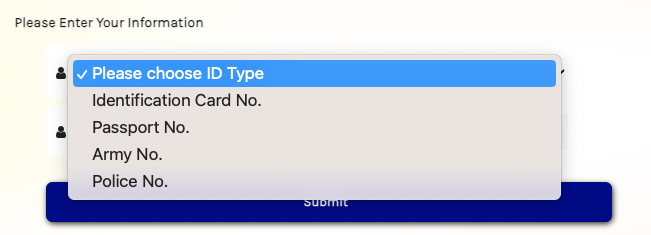
Step 3: Follow the instructions and you will receive an email to verify your account
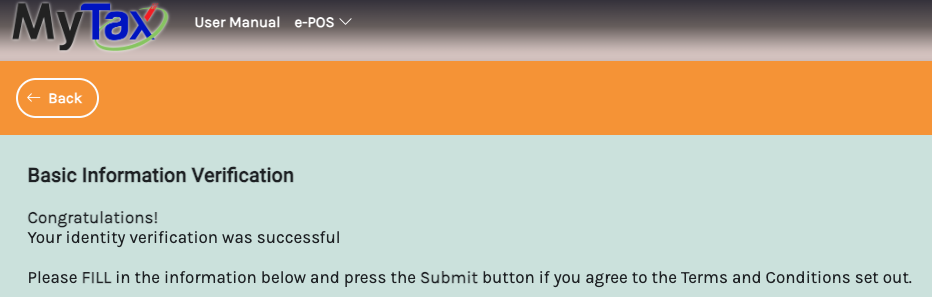
Step 4: Once you click on the email’s verification link, you will be redirected back to MyInvois Testing Environment. You can set your password here.
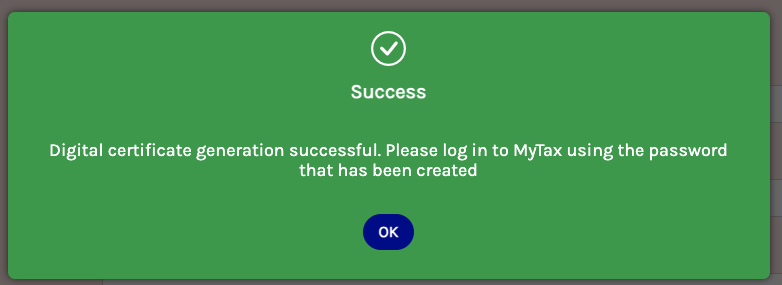
Step 5: After setting your password, click OK to login to your account. You’re ready to move to the next process!
Next process ⬇️
MyTax: Register Company