7. Verify Workspace
Step 1: To verify your JomeInvoice Workspace account, go to Settings > View
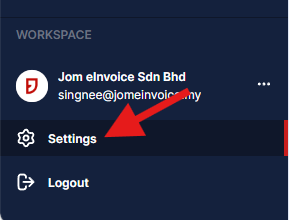
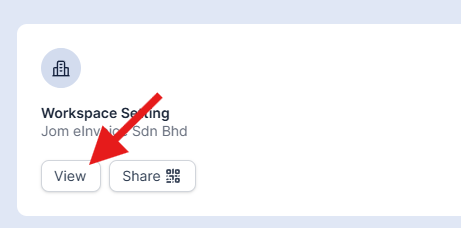
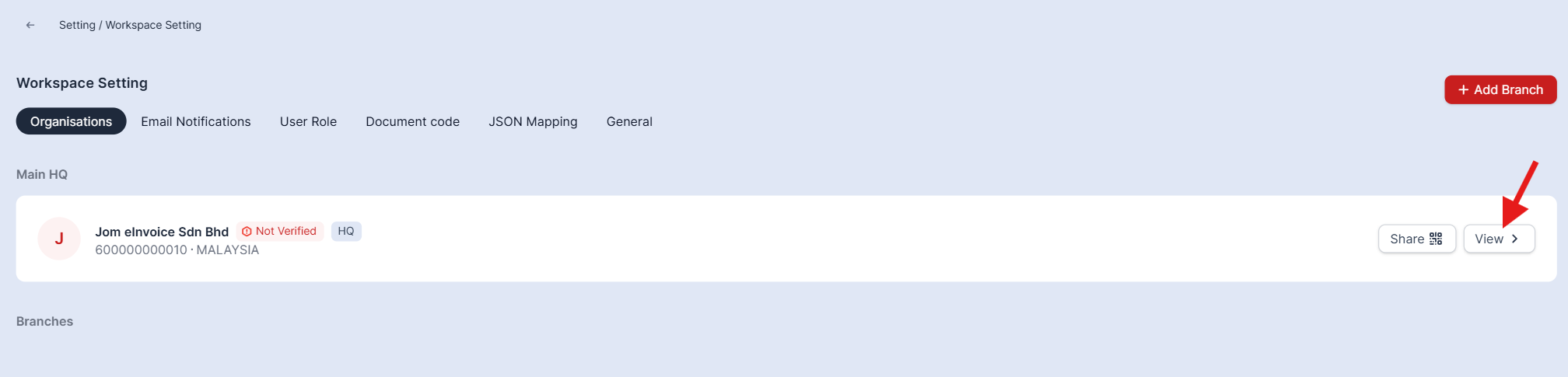
Step 2: Under the Details section, fill up your Business Information, Business Address and Business Tax information accordingly
Please make sure to enter the correct TIN number. An incorrect TIN number will result in the invoice being invalidated.
Step 3: Click the Verify TIN No. to complete your verification and cross-check your TIN with the LHDN database.

You can search for your TIN here if you’ve forgotten it, using your NRIC/PASSPORT/BRN/ARMY.


Step 4: Upon successful verification, your account status will be changed to Verified!

For Enterprises only, in order to upgrade your Workspace to the paid version, kindly submit a ticket on the Contact Us page.
Next process ⬇️
You have successfully verified your Workspace! Now, let’s do a few things to complete your Workspace.
Sales Module
