View Purchase Module
Step 1: On your home page, click Purchase
Step 2: Click Invoice / CN / DN / RN, then choose the channel JomeInvoice/ MyInvois portal to view the list of e-invoices in the Purchase Module
The differences between the JomeInvoice channel and the MyInvois channel are as follows:
JomeInvoice Channel
-
Invoices submitted by suppliers through the JomeInvoice portal
-
Rejection and cancellation can be performed directly within the JomeInvoice portal
MyInvois Channel
-
Invoices retrieved from the MyInvois portal, submitted by suppliers via other middleware applications
-
Not all information is displayed in JomeInvoice due to data limitations from LHDN
-
Invoice cancellation cannot be performed within the JomeInvoice portal

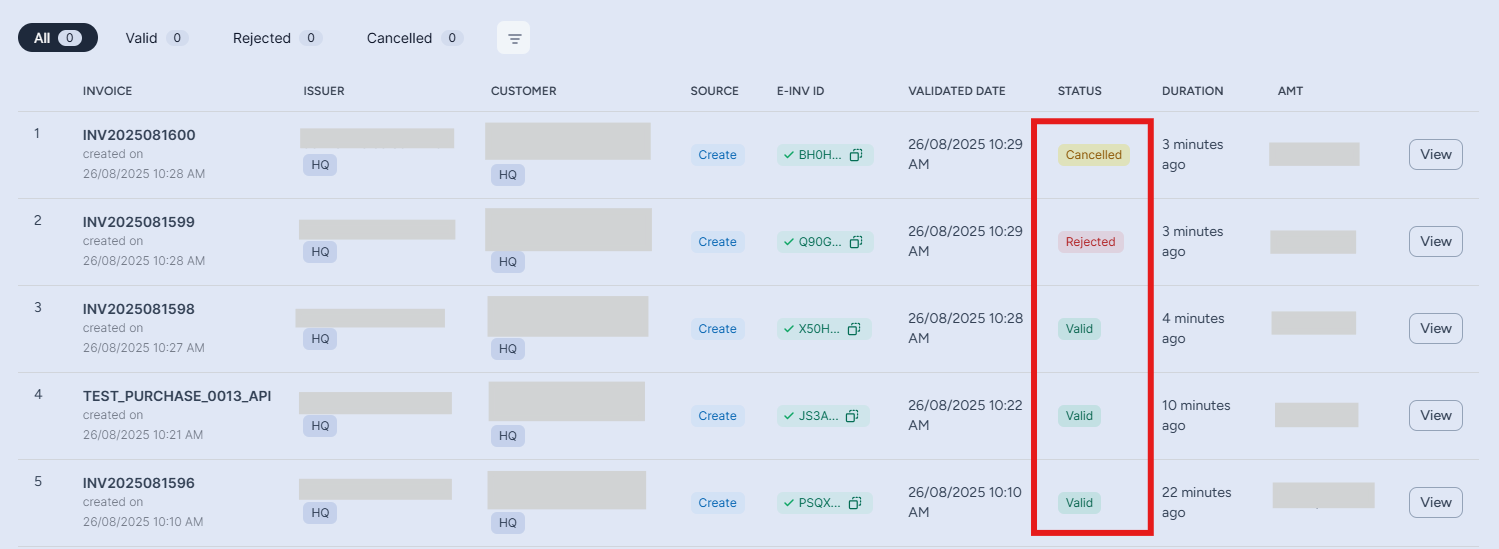
Step 3: The buyer can view the status of the invoice as follows:
-
Valid – The invoice has been validated by LHDN.
-
Rejected – The buyer has requested rejection, within 72 hours after submission.
-
Cancelled – The supplier has cancelled the invoice.
If the supplier didn’t cancel the invoice within 72 hours, the status will automatically revert to Valid
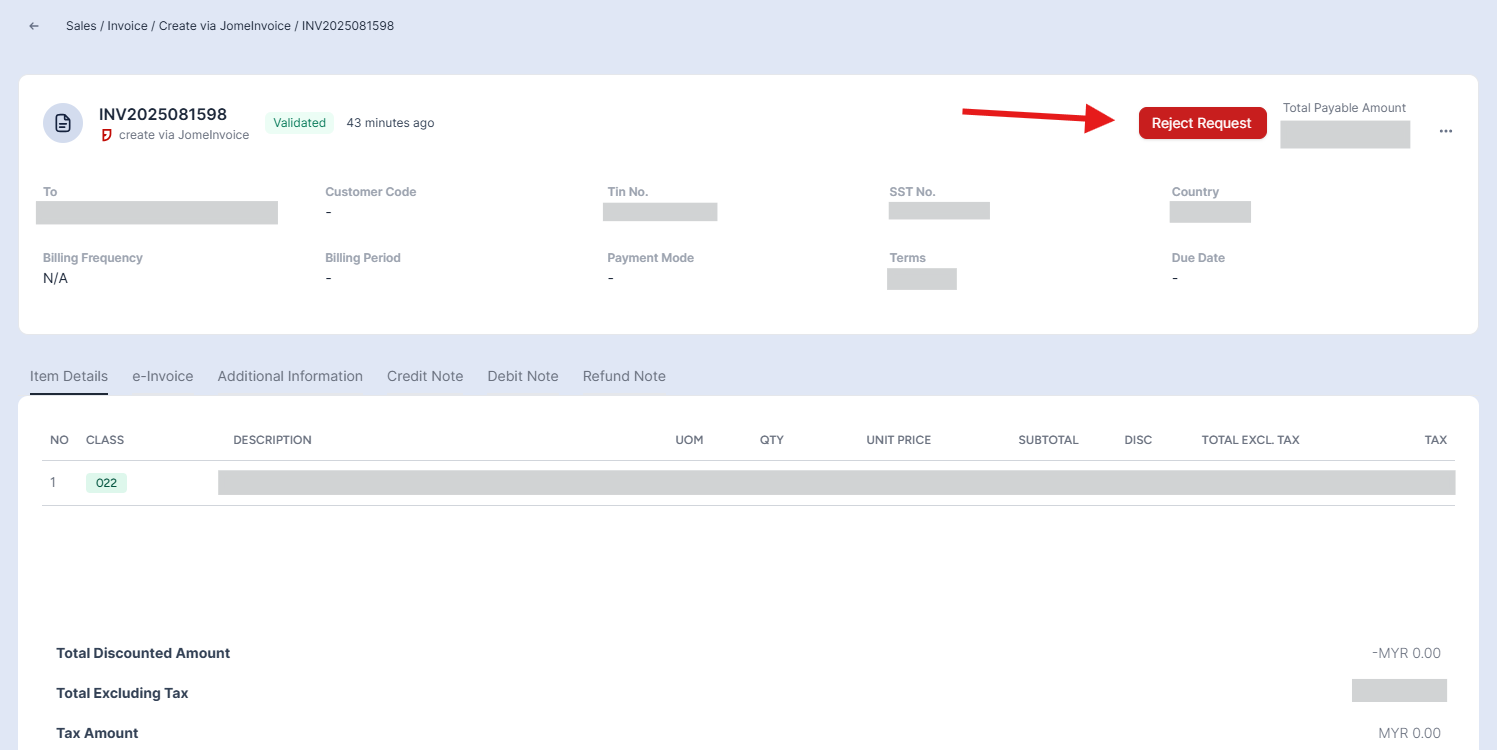
Step 4: The buyer can request rejection of the invoice within 72 hours. After 72 hours, the request rejection option will no longer be available in the invoice.